
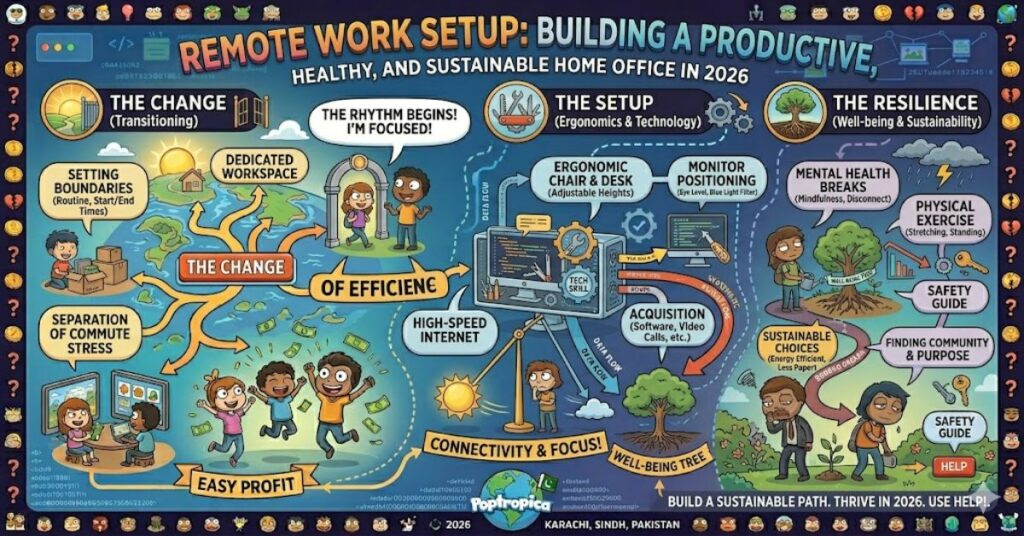
A successful remote work setup is no longer a luxury for freelancers and digital nomads. By 2026, remote and hybrid work have become standard operating models across many industries, making home office quality directly linked to productivity, employee wellbeing, and long-term career performance.
The fundamentals remain surprisingly simple. An ergonomic chair, a properly positioned monitor, stable high-speed internet, noise-cancelling headphones, and a dedicated workspace create the foundation for effective remote work. Yet many professionals discover that assembling equipment alone does not guarantee focus or comfort.
Research from organisations such as Gallup and Microsoft has consistently shown that workplace flexibility remains highly valued by employees. At the same time, employers continue to face challenges related to collaboration, engagement, and burnout. The quality of an employee’s home workspace often sits at the centre of these discussions.
The most effective home offices balance physical comfort, technological reliability, and environmental design. Workers need spaces that support concentration without sacrificing flexibility. Businesses need employees who can perform consistently without experiencing preventable health issues or technical disruptions.
This guide explores the components of a modern remote work environment, the trade-offs involved in different approaches, and the trends likely to shape home offices through 2027.
Why Workspace Design Matters More Than Ever
Remote work has evolved significantly since the emergency home-office transitions of 2020.
Many professionals initially worked from kitchen tables, sofas, or temporary desk arrangements. While acceptable in the short term, these environments often produced musculoskeletal strain, reduced focus, and blurred boundaries between personal and professional life.
Today, workspace design has become a measurable productivity factor.
Key Business Implications
- Reduced absenteeism
- Improved concentration
- Better employee retention
- Lower ergonomic injury risk
- Enhanced virtual collaboration
The shift reflects a broader understanding that workplace infrastructure extends beyond corporate offices.
Core Components of an Effective Remote Work Setup
Ergonomic Seating
The chair remains the most important physical investment.
An ergonomic chair should support:
- Neutral spinal alignment
- Adjustable lumbar support
- Seat depth adjustment
- Adjustable armrests
- Appropriate seat height
Poor seating contributes to neck pain, shoulder tension, and lower-back discomfort.
Monitor Placement
Screens should be positioned at or slightly below eye level.
Common recommendations include:
- Monitor distance of 50–70 cm
- Top third of screen near eye level
- Minimal neck flexion
An adjustable monitor arm or laptop stand often solves positioning issues without requiring a complete desk replacement.
Reliable Connectivity
Even the most comfortable workspace fails without dependable internet access.
Professionals should prioritise:
- Fibre internet where available
- Wired Ethernet connections for critical meetings
- Secondary mobile hotspot backup
- Modern Wi-Fi routers
Connectivity interruptions affect workflow continuity and meeting quality.
Audio Quality
Noise-cancelling headphones improve both concentration and communication.
Benefits include:
- Reduced environmental distractions
- Improved microphone clarity
- Better meeting participation
- Enhanced privacy
For many workers, audio quality has become nearly as important as internet reliability.
Comparison Table: Essential vs Premium Home Office Equipment
| Category | Essential Setup | Premium Setup |
| Chair | Ergonomic office chair | High-end ergonomic chair with advanced adjustments |
| Display | Laptop + stand | Dual 27-inch monitors |
| Audio | Standard headset | Active noise-cancelling headset |
| Internet | Fibre Wi-Fi | Fibre + Ethernet + backup connection |
| Desk | Fixed-height desk | Sit-stand adjustable desk |
| Lighting | Desk lamp | Adjustable task and ambient lighting |
The premium approach may improve comfort, but productivity gains often diminish after foundational needs are met.
The Hidden Importance of Work-Life Separation
One frequently overlooked aspect of a remote work setup is environmental separation.
Workers who operate from shared living spaces often report:
- More interruptions
- Longer working hours
- Reduced mental recovery
- Higher stress levels
Original Insight #1
Many productivity guides focus on equipment while underestimating physical boundaries. A modest dedicated workspace often delivers greater productivity gains than expensive hardware upgrades.
Practical Strategies
- Use a separate room if possible
- Create visual boundaries with shelving or screens
- Maintain fixed working hours
- Store work equipment after hours
These practices help signal transitions between work and personal life.
Ergonomics and Long-Term Health
Health considerations extend beyond comfort.
The World Health Organization and occupational health researchers continue to highlight concerns around prolonged sedentary behaviour.
Common Health Risks
| Issue | Primary Cause | Mitigation Strategy |
| Neck strain | Improper monitor height | Adjustable monitor stand |
| Lower-back pain | Poor seating support | Ergonomic chair |
| Eye fatigue | Excessive screen exposure | Regular screen breaks |
| Wrist discomfort | Incorrect keyboard position | Ergonomic peripherals |
| Sedentary behaviour | Prolonged sitting | Standing intervals |
Original Insight #2
Many workers purchase ergonomic chairs while neglecting monitor positioning. In practice, improper screen height often causes more daily discomfort than chair quality alone.
Technology Infrastructure Beyond Hardware
Successful remote workers increasingly optimise digital systems alongside physical environments.
Key technology considerations include:
Cloud-Based Collaboration
Common platforms include:
- Microsoft 365
- Google Workspace
- Slack
- Zoom
- Microsoft Teams
Security Considerations
Remote employees frequently access sensitive business information.
Recommended practices include:
- Multi-factor authentication
- VPN usage where required
- Password managers
- Device encryption
Backup Systems
A frequently ignored risk is single-point failure.
Original Insight #3
The most disruptive home-office failures are not equipment failures but dependency failures. Workers often have one internet connection, one device, and one power source. Basic redundancy significantly reduces downtime.
Real-World Examples
GitLab
GitLab operates as one of the largest fully remote organisations globally. Its documented remote-work practices emphasise asynchronous communication, documentation, and workspace ownership.
Automattic
Automattic has long supported distributed teams, demonstrating that large-scale remote operations can function effectively when supported by strong systems and communication frameworks.
These organisations illustrate that technology alone does not drive success. Processes and culture matter equally.
Risks and Trade-Offs
No remote work model is perfect.
Advantages
- Reduced commuting time
- Greater schedule flexibility
- Potential cost savings
- Broader hiring opportunities
Challenges
- Isolation
- Communication delays
- Home distractions
- Workspace limitations
Employers must balance flexibility with collaboration needs.
Workers must balance convenience with professional discipline.
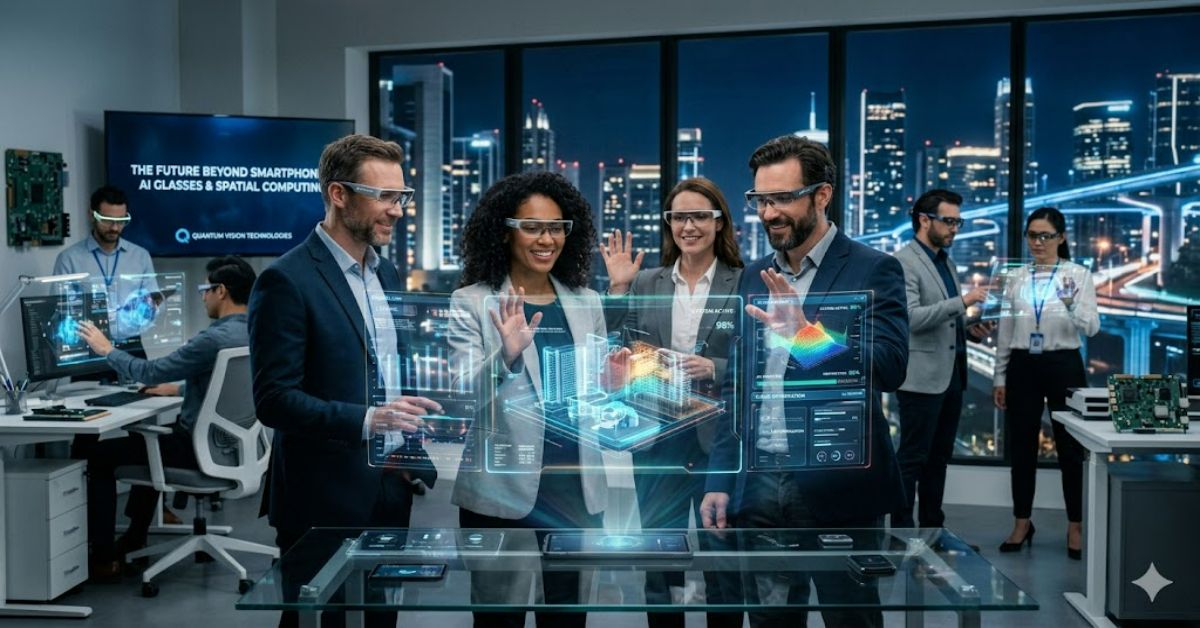
The Future of Remote Work Setup in 2027
Several trends are likely to shape home-office design by 2027.
AI-Assisted Productivity
AI-powered workplace tools continue expanding across scheduling, documentation, and task management.
Smarter Ergonomics
Furniture manufacturers increasingly incorporate:
- Posture monitoring
- Occupancy detection
- Activity reminders
Hybrid Workspace Standardisation
Many organisations appear to be settling on hybrid arrangements rather than fully remote or fully office-based models.
Infrastructure Constraints
Housing costs remain a significant factor. In many urban regions, workers simply lack space for dedicated offices.
Future solutions may focus more on modular and flexible workspace design rather than larger home offices.
Key Takeaways
- Ergonomics matter more than premium technology purchases.
- Dedicated work zones improve focus and recovery.
- Reliable internet remains the most critical technical requirement.
- Audio quality directly affects communication effectiveness.
- Workspace design influences both health and productivity.
- Redundancy planning reduces costly downtime.
- Hybrid work patterns will continue influencing home-office evolution.
Conclusion
A modern remote work setup succeeds when it balances physical comfort, technical reliability, and environmental structure. While product marketing often emphasises expensive upgrades, the greatest productivity gains usually come from fundamentals: ergonomic seating, proper monitor positioning, dependable internet access, and clear separation between work and personal life.
The broader lesson is that remote work is no longer temporary infrastructure. For millions of professionals, it has become a permanent part of career development and organisational strategy. Employers increasingly recognise that home-office quality influences employee performance, engagement, and retention.
As technology evolves and hybrid work becomes more refined, the principles underlying successful home workspaces are unlikely to change dramatically. Workers will still need environments that support concentration, collaboration, and wellbeing. The tools may become smarter, but the goal remains the same: creating a workspace that enables consistent, sustainable performance over the long term.
FAQ
What is the most important part of a remote work setup?
An ergonomic chair and properly positioned monitor typically provide the greatest impact on comfort and productivity.
How fast should internet be for remote work?
For most professionals, a stable broadband connection supporting video conferencing and cloud applications is more important than maximum download speed.
Are standing desks necessary?
Not necessarily. They can support movement throughout the day, but proper posture and regular breaks are equally important.
How can I create a workspace in a small apartment?
Use room dividers, shelving, or designated desk areas to establish visual separation between work and living spaces.
Do noise-cancelling headphones improve productivity?
Many professionals find they reduce distractions and improve meeting quality, particularly in shared environments.
Is dual-monitor productivity proven?
For tasks involving multiple applications or large datasets, dual displays often improve workflow efficiency and reduce window switching.
Methodology
This article synthesises publicly available research from workplace studies, occupational health guidance, remote-work reports, and technology industry documentation published between 2022 and 2026.
Sources reviewed included workplace trend reports from Microsoft, Gallup, occupational health guidance from international health organisations, and documentation from remote-first companies.
Limitations
- Home-office effectiveness varies by profession and living environment.
- Individual ergonomic needs differ significantly.
- Technology recommendations may change as products evolve.
Editorial Disclosure
This article was drafted with AI assistance and reviewed and verified by [Author Name]. All data, citations, and claims should be independently confirmed by the editorial team at Matrics360.com.
References
Gallup. (2024). State of the Global Workplace Report.
Microsoft. (2024). Work Trend Index Annual Report.
World Health Organization. (2024). Physical Activity and Sedentary Behaviour Guidance.
GitLab. (2025). Remote Work Handbook.
Automattic. (2025). Distributed Work Resources.